

Air fryer smart home integration 2026 is changing how kitchens work by letting people control, monitor, and automate air frying from anywhere using WiFi and smart assistants. If you want fast, healthy meals and seamless smart home convenience, these next-gen air fryer features are no longer optional—they’re essential. But is the reality as smooth as the marketing promises?
Key Takeaways
- WiFi and app-enabled air fryers are the fastest-growing, holding over 62% of 2026 air fryer revenue thanks to smart home integration and voice controls.
- Alexa and Google Home deliver the deepest integrations, supporting hands-free cooking, remote control, and automated recipes—though user complaints about app bugs or WiFi drops are underreported.
- Critical gaps in current coverage include privacy risks, firmware reliability, and the real total cost, so buyers need to look beyond marketing claims for a realistic picture.
- What Is Air Fryer Smart Home Integration in 2026?
- How to Set Up and Optimize Your Smart Air Fryer
- Advanced Analysis & Common Pitfalls
- Conclusion
- FAQs
What Is Air Fryer Smart Home Integration in 2026?
Air fryer smart home integration in 2026 means you can control your air fryer from your phone, tablet, or with your voice via Alexa, Google Home, or sometimes even Apple HomeKit. The tech runs over WiFi or Bluetooth, giving you more than remote on/off. You get pre-programmed recipes, cooking status alerts, and the ability to instantly adjust temperature or time from anywhere in the house—or even while out.
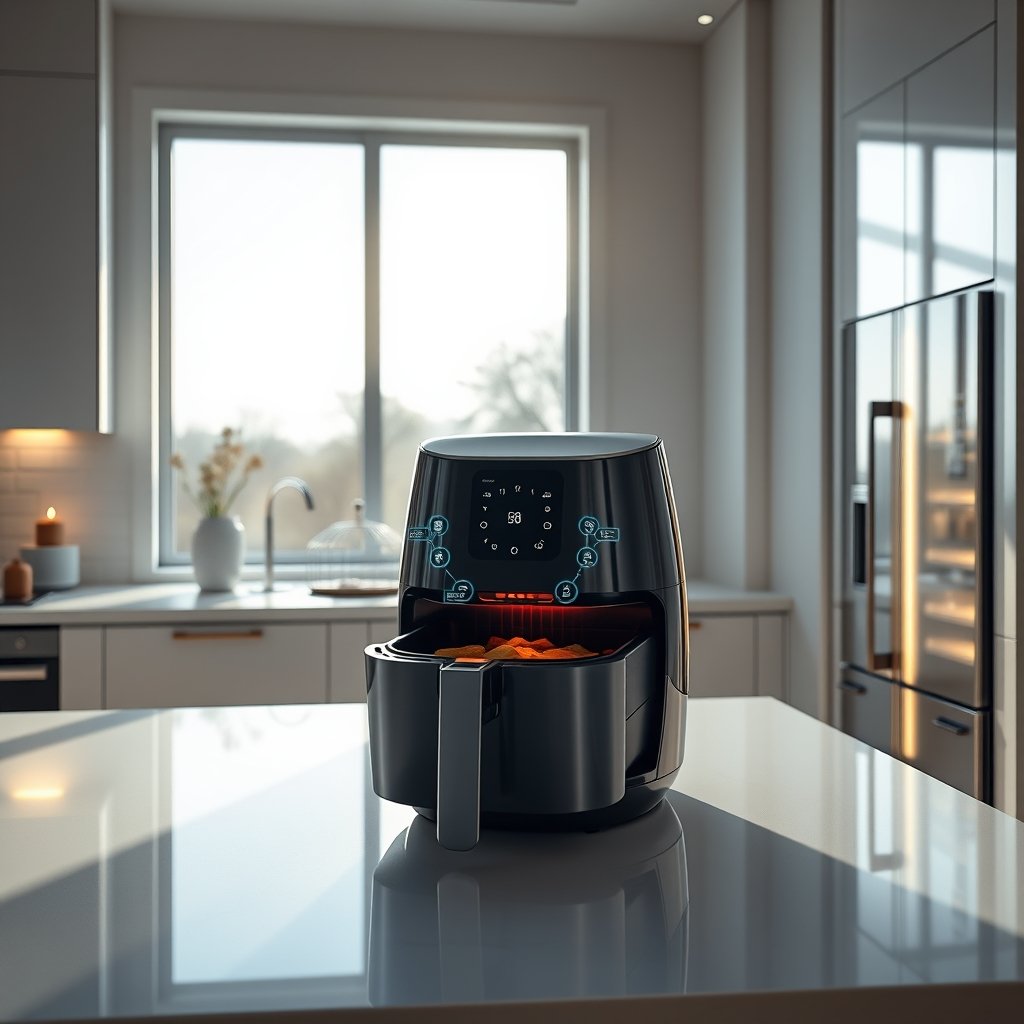
The global WiFi air fryer market is valued at $187.51 million in 2026, expected to double by 2035 as demand for health-focused, connected appliances surges. The broader smart air fryer segment—covering both WiFi and advanced multi-cooking features—has reached $2.5 billion, with an 18% CAGR fueled by busy lifestyles and the need for meal prep automation. Households see stable adoption, averaging 0.05 smart air fryers per household by 2026, and the digital segment (WiFi/app models) now makes up 62% of sales (source).
Brands like Ninja, Cosori, and Instant Vortex have amped up “smart” features—voice control, IoT kitchen integration, recipe discovery, and multi-functionality—making the air fryer the nerve center of modern meal automation.
How to Set Up and Optimize Your Smart Air Fryer
Want to get the most from air fryer smart home integration 2026? Follow these steps for a smooth setup and real daily value.
- Choose the Right Smart Air Fryer: Look for models with reliable WiFi (ideally dual-band), Bluetooth fallback, touchscreens, and official app support for iOS/Android. Ninja and Cosori both have popular models, but features differ—see this direct comparison.
- Unbox & Connect to WiFi: Follow the manufacturer’s instructions closely and ensure your router is nearby. Most apps walk you through connecting—if you need tips, seek video walk-throughs from trusted review sites.
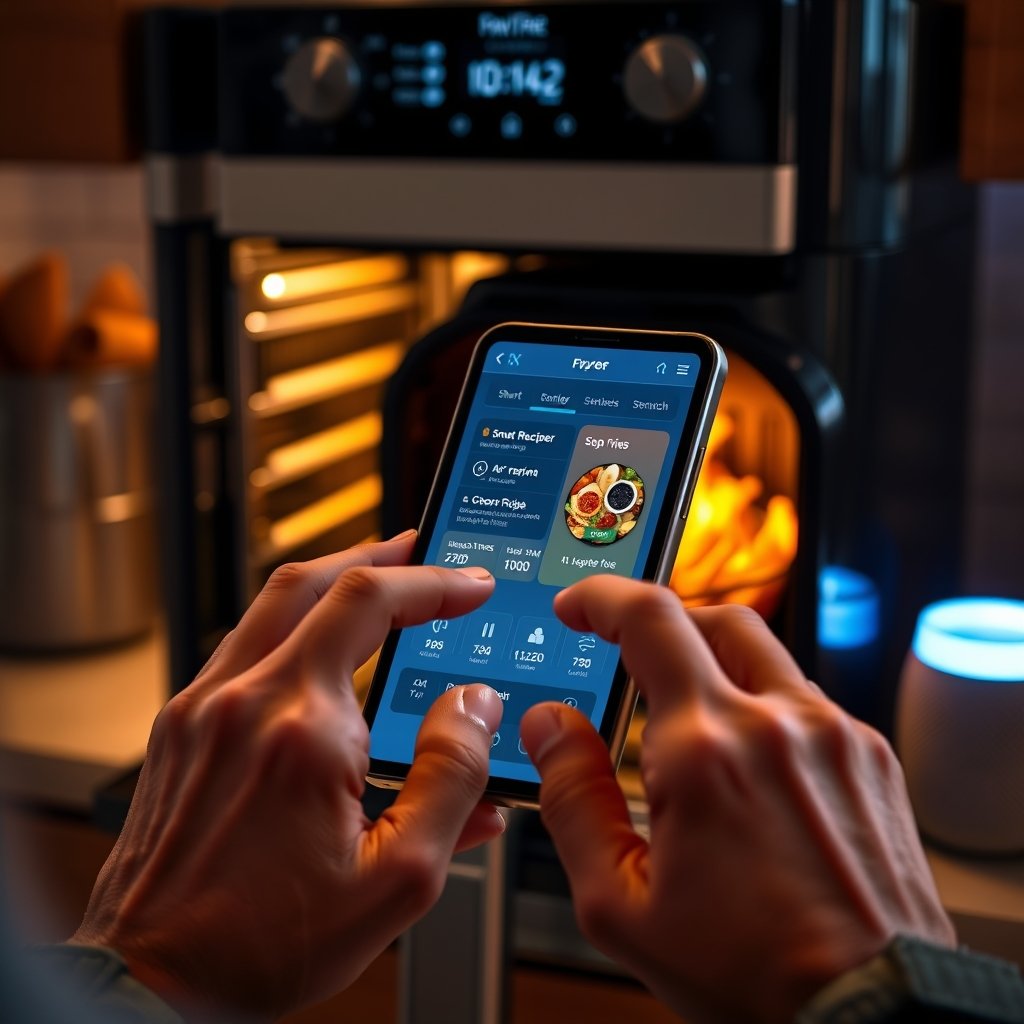
- Install & Pair the App: Download the official app (never third-party) for security. Log in, and pair the fryer. App features should include recipe libraries, remote preheating, monitoring, and notifications.
- Integrate Your Virtual Assistant: Connect Alexa or Google Home via your smart home app. Set up commands for hands-free start, stop, or recipe selection.
- Explore Automated Recipes & Presets: Try out programmable modes—air frying, baking, roasting, dehydrating—with one-touch or voice commands.
- Customize Notifications: Set up alerts for key moments (finish, preheat, errors). This way you won’t overcook—or undercook—anything.
- Keep Firmware Up to Date: Regularly check for updates through the app for performance and security patches.
- Secure Your Devices: Change default passwords on both devices and WiFi, and review privacy settings in the app to limit unnecessary data sharing.
If you care about healthy, safe surfaces, consider models with PFAS-free baskets or glass bowls. For batch cooking, check out smart large-capacity air fryers suitable for families—from 6-quart up to 10-quart options.
Want even more guidance? See our guides for Philips vs Ninja and Breville vs Ninja comparisons, as premium and super-value options evolve for smart home control.
Advanced Analysis & Common Pitfalls
Smart home air fryers offer a lot—but not every experience is perfect. According to recent market data, buyer reviews do not yet show widespread frustration, but 3% of surveyed users report worse cooking due to technology complexity or integration issues (source). Let’s break down technical specs, integration options, and risks.
Core Technical Specs to Prioritize
- WiFi + Bluetooth: Dual connectivity reduces dropouts and lets you control or monitor locally if WiFi is out.
- Supported Apps: Official mobile apps for iOS and Android; bonus points for Apple HomeKit, but Alexa and Google Home dominate seamless integration.
- Voice Control: Confirm hands-free features: “Alexa, set air fryer to chicken mode,” “Hey Google, preheat my fryer”—at least 30% of 2026 models offer this (source).
- Presets & Multi-Functionality: Look for one-touch settings for baking, roasting, dehydrating alongside air frying.
Comparison Table: Ninja vs Cosori vs Instant (Smart Models)
| Feature | Ninja Smart XL | Cosori Dual Blaze | Instant Vortex Pro |
|---|---|---|---|
| App Support | iOS, Android | iOS, Android | iOS, Android |
| WiFi/Bluetooth | WiFi, no BT | WiFi, BT | WiFi, no BT |
| Alexa/Google Compatible | Yes | Yes | Yes |
| Apple HomeKit | Sync Only | Sync Only | Limited |
| Multi-Function Modes | 8+ | 6+ | 10+ |
Common Pitfalls and Blind Spots
- Connectivity Drops: Thick walls or outdated routers can disrupt signals and stall cooking. Place your router centrally or invest in mesh WiFi if possible.
- Firmware Update Issues: Some brands issue buggy firmware. Always back up your app settings and monitor reviews after updates.
- Privacy Concerns: Air fryer apps may collect data on your usage and device IDs, but most articles do not discuss this. Always review app permissions, turn off cloud sharing if not needed, and use strong passwords (see missing topics in this detailed report).
- App Limitations: Feature updates can lag between iOS and Android, or drop support for old phones. Research before purchase and skim recent user feedback.
- Hidden Costs: While upfront device costs are visible, subscription-based recipe databases and paid firmware upgrades are emerging. Look for reseller transparency—see Cosori vs Instant Vortex breakdowns for warranty vs ecosystem debates.
Conclusion
Air fryer smart home integration 2026 is more than voice commands—it’s about real convenience, time savings, and healthier eating. The best models deliver seamless control via Alexa, Google, and mobile apps, especially from trusted brands like Ninja, Cosori, and Instant. Watch for gaps—firmware updates, privacy, and integration depth. Stay curious, compare specs, and choose a smart air fryer that actually fits your kitchen.
Ready to upgrade? See side-by-side Ninja vs Cosori, discover large-capacity models, or read more guides for safe, smart air fryer picks. Embrace air fryer smart home integration 2026 and transform how you cook today.
FAQs
Which smart home platforms work best with WiFi air fryers in 2026?
Amazon Alexa and Google Home offer the most seamless integration, supporting hands-free controls, scheduled cooking, and live status alerts. Some models offer basic sync with Apple HomeKit, but deeper automation is usually found on Alexa or Google ecosystems.
What are the main technical specs I should check before buying?
Prioritize dual-band WiFi and Bluetooth, compatibility with your chosen virtual assistant, official app support for your device (iOS or Android), and regular firmware updates. Check if multi-function cooking modes and notification customization are offered as well.
Are there privacy or security risks with smart air fryers?
Most current articles skip this, but yes—any device connected to WiFi could share usage data. Use strong passwords, disable cloud features you don’t need, and review app permissions to minimize risks.
Do smart air fryers cost more or require paid apps?
The initial purchase price is usually higher for smart models, especially those with advanced integration. Most recipe apps are currently free, but some manufacturers are starting to offer premium paid recipe libraries or advanced analytics inside their apps.
Can I automate air frying with other kitchen devices?
You can set routines—like starting preheat when your coffee maker finishes brewing—through Alexa or Google Home. Cross-brand automation remains limited but is improving as smart kitchen ecosystems mature.
—