


Smart air fryer WiFi technology has changed how people cook, promising the flexibility to control your meals from anywhere. But how does a WiFi-enabled smart air fryer really fit into your smart home, and what do you need to know before buying or upgrading?
Key Takeaways
- WiFi air fryers now account for almost half of new sales, driven by demand for smart home integration and voice control.
- Common user pain points include app complexity, expensive prices, and occasional reliability issues with Alexa or Google Home.
- There is still limited transparency on privacy, security, and subscription costs for most smart air fryer brands.
- The Core Concept: What Is a Smart Air Fryer WiFi Model?
- Step-by-Step Guide: How to Set Up and Use Smart Air Fryer WiFi Features
- Advanced Analysis & Common Pitfalls with WiFi Air Fryers
- Conclusion: Should You Buy a Smart Air Fryer WiFi Model?
- FAQ About Smart Air Fryer WiFi Models
The Core Concept: What Is a Smart Air Fryer WiFi Model?
A smart air fryer WiFi model is an air fryer that connects to your home WiFi network, allowing remote control and recipe management through a mobile app or compatible smart home platform. Unlike traditional models, these smart air fryers let you monitor, start, pause, and adjust cooking from your phone — or even with your voice via Alexa or Google Home. Integration into your smart kitchen ecosystem means you can automate cooking routines, check cooking status from another room, or receive notifications when your food is ready.
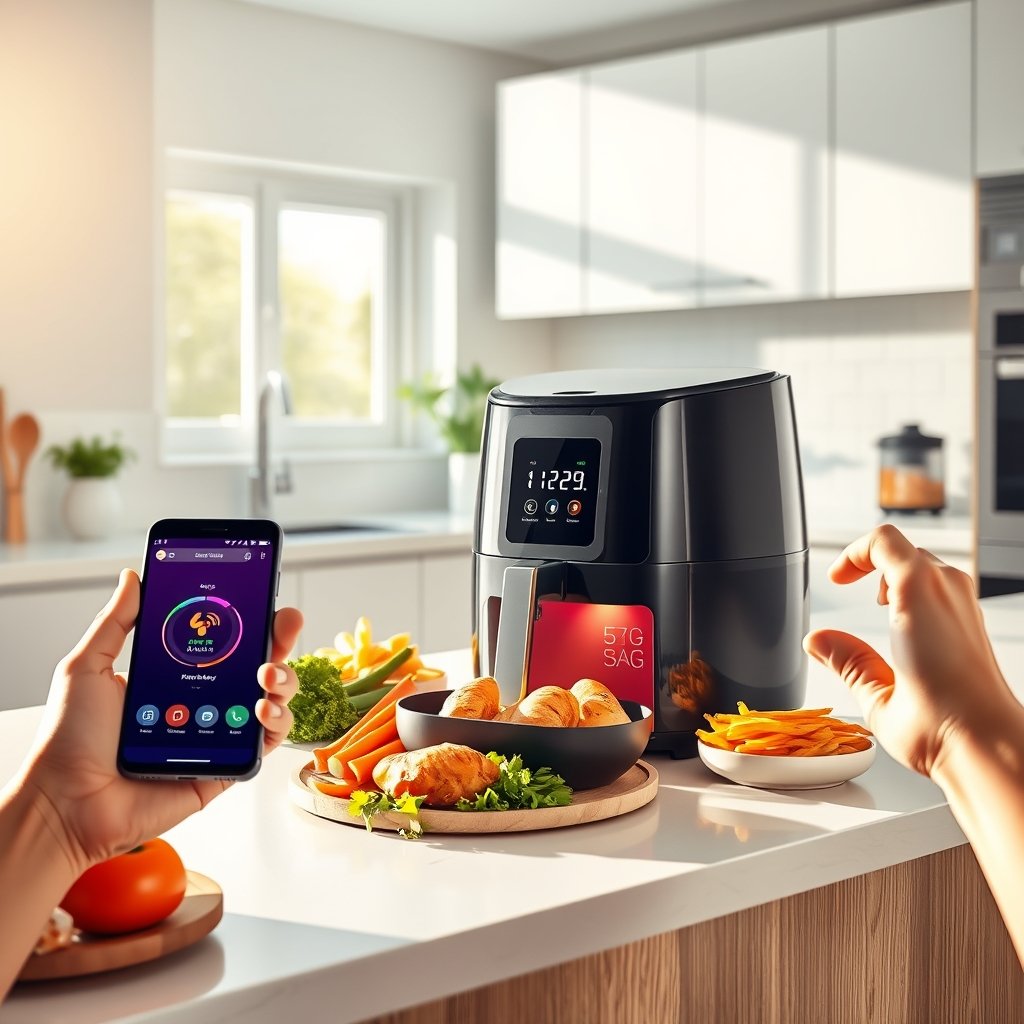
The rise in WiFi air fryer adoption aligns with the broader smart home trend. As of 2024, WiFi-enabled air fryers represent 48 percent of total air fryer sales globally and over 52 percent in the United States. Around 62 percent of consumers now prefer appliances that connect through apps or voice assistants for convenience and flexibility. By 2026, market size for WiFi-connected air fryers is projected to reach USD 187.5 million, highlighting a rapid shift to smart kitchens.
Popular models from Ninja and Cosori offer strong app support, while brands like Philips and Instant Pot focus on comprehensive smart features. You can see how these major brands compare in the WiFi and digital appliance market by exploring head-to-head reviews linked here.
Step-by-Step Guide: How to Set Up and Use Smart Air Fryer WiFi Features
- Unbox and Read the Manual: Begin with a quick check of the enclosed setup guide for your specific model. Ensure you have your WiFi password and a compatible smartphone ready.
- Connect to Power and Download the App: Plug in your smart air fryer, then download its companion app (such as VeSync for Cosori, or the dedicated app for Ninja or Philips models).
- WiFi Setup: Launch the app, register or log in, and follow prompts to add your air fryer. The device should appear in scanning mode after pressing a pairing button or holding a control dial.
- Select Your WiFi Band: Most smart air fryer WiFi connections require a 2.4GHz band — many do not support 5GHz WiFi (check your router settings if connection fails).
- Pair and Name Your Device: Once found, pair the device and give it a memorable name for voice commands and app management.
- Enable Voice Assistant Integration: In the app, link your air fryer with Alexa or Google Home. You’ll often need to enable a skill or integration, then authorize device control via your Amazon or Google account.
- Test Remote Control: With the air fryer idle, test starting, pausing, and stopping via app or voice. Make adjustments as needed to WiFi or smart plugs connectivity if it fails.
- Explore Smart Features: Set up notifications, create scheduled routines (for example, “Preheat at 5 PM”), or explore recipes in the app.
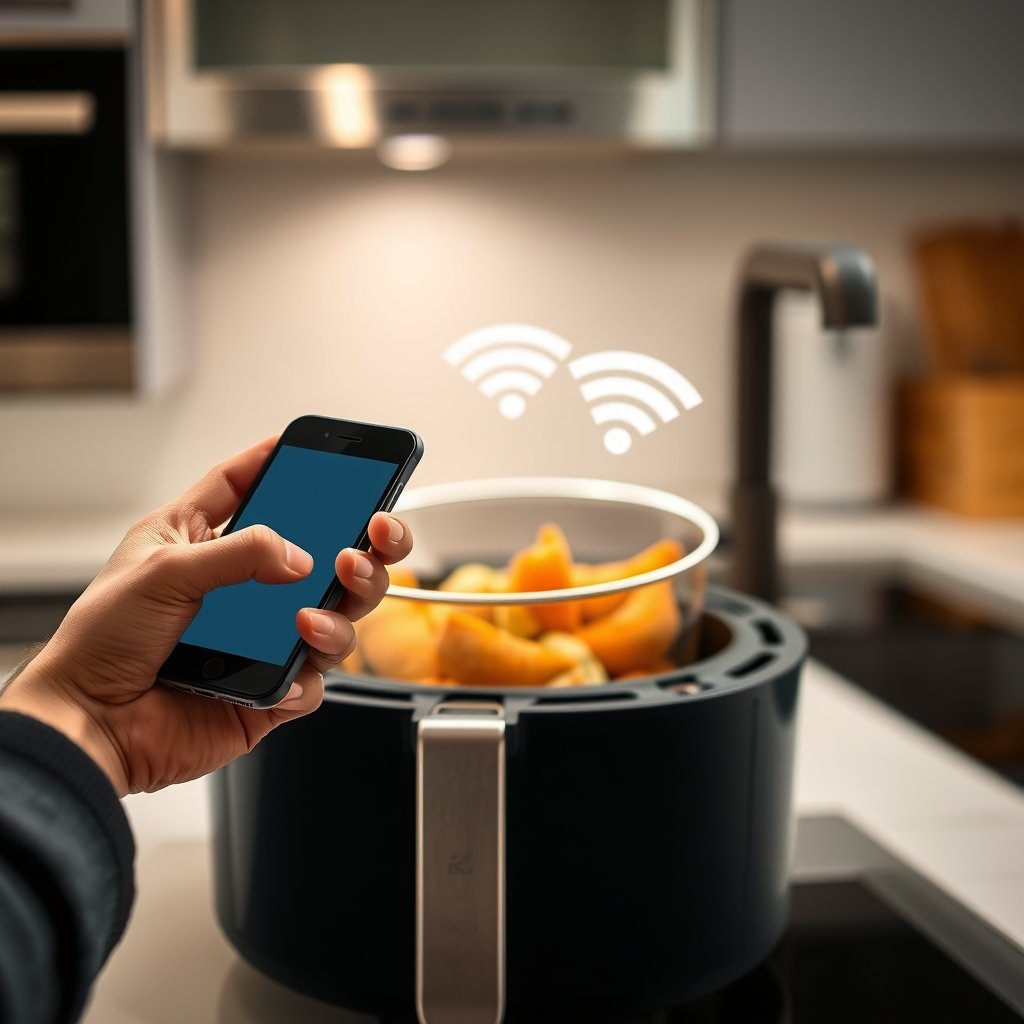
For more advanced integration, you can combine your smart air fryer with smart plugs or meal prep reminders. This works especially well if you have other connected appliances, as described in detailed guides like air fryer smart home integration.
If you’re seeking a deeper dive into top model comparisons, head over to Ninja vs Cosori air fryer and Cosori vs Instant Vortex air fryer for side-by-sides on smart features, baskets, and app reliability.
Batch cooks and families should also consider dual zone air fryers, as smart control becomes even more useful with multiple cooking zones or routine meal schedules.
Advanced Analysis & Common Pitfalls with WiFi Air Fryers
The adoption of smart air fryer WiFi devices is skyrocketing, but the experience is not without frustration. Based on the latest research, here are realistic issues and pitfalls that buyers and users should watch for:
- Connectivity Issues: About 42 percent of potential buyers cite technical complexity or setup struggles. Some models only support 2.4GHz WiFi, which can be a headache if your home runs on 5GHz or mesh networks.
- App Usability: App-based interfaces can be clunky or delayed, and firmware updates are not always available. No major brands currently reveal their update schedule or guarantee long-term app compatibility.
- Smart Home Integration Limitations: Not all models support both Alexa and Google Home, and cross-platform issues (like naming conflicts or missed routines) are common but rarely discussed.
- Voice Control Latency: Many users experience several seconds’ delay or failed commands — especially when running simultaneous smart home routines.
- Privacy & Security Gaps: Most brands do not disclose if air fryer app control uses encryption or how they safeguard voice data. Privacy risks could arise from sending cooking data to third-party cloud servers.
- High Product Cost: Smart WiFi models are pricier than basic air fryers. Ongoing costs (app subscriptions, replacement baskets, firmware support) are not usually listed up front.
| Feature | Smart Air Fryer WiFi | Traditional Air Fryer |
|---|---|---|
| Remote App Control | Yes (may have latency/issues) | No |
| Voice Assistant Support | Often, but not always seamless | No |
| Compatibility | Usually 2.4GHz WiFi only | Independent of home WiFi |
| Privacy/ Security Disclosure | Rarely Transparent | N/A |
| Price Range (2024 est.) | Higher (no clear public data) | Lower |
| Firmware Updates | Occasional, no guaranteed schedule | Not applicable |
Competitor articles often overlook command latency, conflicts between Alexa versus Google Home, and privacy. Consumers seeking extra large, dual-zone, or toxin-free models should inspect the air fryer dehydrator combo and PFAS free cooking appliance guides for smart and health-safe options.

Conclusion: Should You Buy a Smart Air Fryer WiFi Model?
Smart air fryer WiFi adoption continues to rise, with more models and features every year. This adds flexibility and convenience, but also some real world frustrations. WiFi smart air fryers can simplify your kitchen routine and fit well within connected homes. However, be aware of potential issues with app reliability, high cost, and lack of detail on privacy or support from most brands.
If your household values voice control, remote operation, and wants the latest in kitchen tech, investing in a smart air fryer WiFi model is likely worth it. Just do your homework on compatibility and read up on real user experiences. Ready to find your next air fryer upgrade? Explore our detailed smart air fryer integration guide for more tips and comparisons.
FAQ About Smart Air Fryer WiFi Models
Can I use smart air fryer WiFi features without a smartphone?
Most WiFi air fryers require a smartphone for setup and app-based control, though voice commands via Alexa or Google Home may offer limited hands-free shortcuts after initial setup.
Are there any ongoing fees for using WiFi-enabled or voice assistant air fryers?
Most brands do not charge app subscription fees, but replacement parts and firmware support may involve ongoing costs. Direct pricing details for 2024 are usually not published.
Is WiFi setup for air fryers complicated?
WiFi setup can be straightforward but may require troubleshooting, especially for routers that don’t support 2.4GHz bands. Follow the manufacturer’s instructions, and check your home network compatibility.
How secure are smart air fryer WiFi models?
Major brands rarely detail their security protocols. If privacy is a top concern, look for devices with clear information on data encryption and update policies, or consider models that work offline.
What is the difference between smart and regular air fryers?
Smart air fryers offer WiFi connectivity and app/voice controls for remote operation, scheduling, and notifications. Traditional models are managed entirely through manual controls.
—